
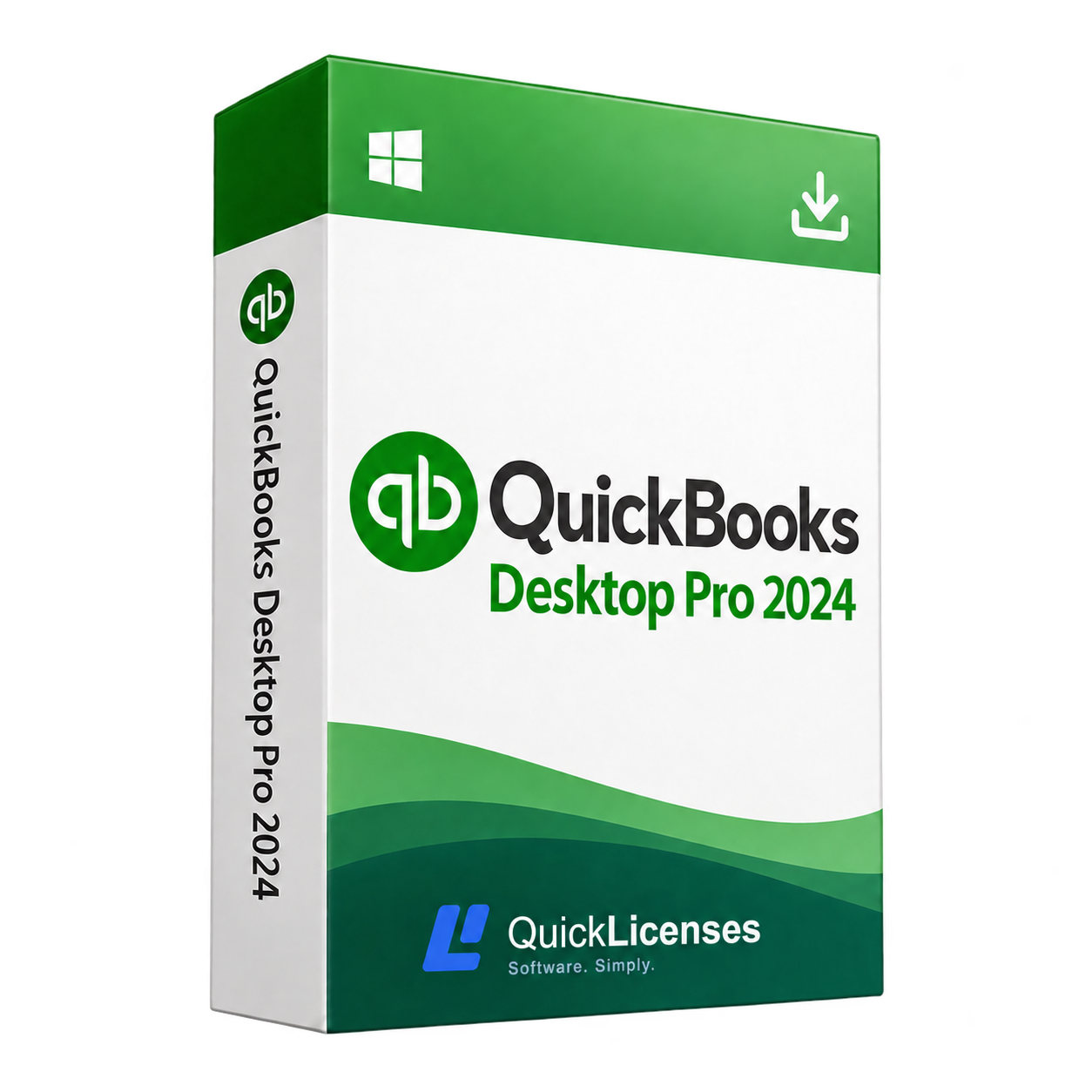
Digital delivery via email — includes official Intuit 2024 installer & lifetime activation codes.
QuickBooks Desktop Pro Plus 2024 — 3 Users
One-time purchase with lifetime activation. Includes official Intuit download link, License Number, Product Number, Validation Code, and Property Code.
Choose your optionPro Plus 2024 · Windows · 3 users
Delivered via email with your License Number, Product Number, Validation Code, and Property Code & official Intuit installer link.
Everything important, without the clutter.
Open the sections you need to review the edition, platform, and purchase details.
Product overview+
QuickBooks Desktop Pro Plus 2024 (Windows): Full 64-bit desktop accounting software for invoicing, expense tracking, bank reconciliation, job costing, Accounts Payable/Receivable, and 100+ financial/tax reports. Available for 1 or 3 users.
QuickBooks Desktop for Mac 2024 (macOS): Native macOS accounting software supporting Apple Silicon (M1/M2/M3/M4) and Intel Macs with iCloud document sharing, batch invoicing, and multi-user access for up to 3 users.
QuickBooks Desktop Enterprise 2024 (24.0 Windows): High-capacity desktop accounting supporting up to 1,000,000 list items (inventory, customers, vendors), Advanced Inventory (multi-location warehouse & barcode tracking), Advanced Pricing, and granular user permissions.
What’s included+
For Pro Plus 2024 · Windows · 3 users, your delivery email includes:
• Official Intuit Download Link: Direct software installer downloaded from Intuit’s official portal (https://downloads.quickbooks.com/app/qbdt/products).
• Lifetime Activation Key (15-Digit License Number): Unique license key (Format: XXXX-XXXX-XXXX-XXX) matching your selected edition and user count.
• 6-Digit Product Number: Official Intuit edition identifier (Format: XXX-XXX) entered during setup.
• Validation Code: Permanent activation code that registers and unlocks your software for lifetime desktop use.
• Property Code: Included for license verification and multi-user workstation configuration.
• Step-by-Step Activation Guide: Clear instructions for single-user or multi-user network setup.
System requirements+
Windows Editions (Pro Plus 2024 & Enterprise 2024):
• OS: Windows 11 (64-bit) or Windows 10 (all 64-bit editions); Windows Server 2022, 2019, or 2016.
• Processor: 2.4 GHz 64-bit multi-core processor minimum.
• RAM: 8 GB minimum (16 GB recommended for multi-user or Enterprise).
• Disk Space: 2.5 GB available disk space (plus Microsoft .NET 4.8 Runtime).
Mac Edition (QuickBooks Desktop for Mac 2024):
• OS: macOS Sonoma (14.0), macOS Ventura (13.0), or macOS Monterey (12.0) and newer.
• Processor: Apple Silicon (M1/M2/M3/M4) or Intel Core 2 Duo or higher.
• RAM & Storage: 4 GB RAM minimum (8 GB recommended) and 250 MB available disk space.
License information+
• License Type: One-Time Purchase — Perpetual Lifetime Activation (no annual subscription renewal, no monthly billing, and no expiration date).
• Activation Method: Activated directly inside the official QuickBooks Desktop application using your provided License Number, Product Number, Validation Code, and Property Code.
• Licensed edition: Pro Plus 2024 · Windows · 3 users.
Will Pro Plus 2024 still be supported after May 2027?+
Yes. On November 5, 2026, Intuit confirmed that support for QuickBooks Desktop Pro Plus 2024 for Windows will continue beyond May 2027. Intuit has moved away from its previous three-year support cycle and has not announced an end date for this release.
Install updates when prompted in QuickBooks to receive security patches and product improvements. Read Intuit’s official support update.
Delivery and support+
• Digital Email Delivery: Your License Number, Product Number, Validation Code, and Property Code, and official Intuit download instructions (downloads.quickbooks.com/app/qbdt/products) are sent directly to the email address entered at checkout.
• How to Download from Intuit: Open the official Intuit download portal, select United States, choose your purchased product (QuickBooks Desktop Pro, Mac, or Enterprise Solutions) and version 2024, and download the official installer.
• Free Installation Support: Need help installing or activating? Reach our team anytime via email at contact@quicklicenses.us or on WhatsApp at +1 747 332 1379.
Learn QuickBooks in minutes.
Choose a guide to play it here.
All-in-one business management
What customers have said.
Feedback from customers who purchased QuickBooks Desktop.
★★★★★“Switched three of my clients to these licenses. Genuine every time, and the savings are real. This is my go-to reseller now.”
Robert M.
★★★★★“Honestly expected a catch at this price. There was not one — genuine 2024 Enterprise, activated and working the same day.”
Elena G.
★★★★★“Fast delivery, real keys, and a price that made our finance team smile. The whole process took under an hour.”
Tom B.
Choose with confidence.
Compare editions and read the setup guides before making a decision.
Visit the guides