
Product updates
Is QuickBooks Desktop Going Away?
Understand the difference between software availability, support, and connected services before choosing a version.
Read guidePractical QuickBooks Desktop guides for choosing an edition, preparing an installation, and protecting your company files.
Browse all guidesUnderstand the difference between software availability, support, and connected services before choosing a version.
Read guideUnderstand the difference between software availability, support, and connected services before choosing a version.
Read guide
Compare desktop and cloud accounting tools against the work your business actually needs to do.
Read guide
A practical checklist for edition, operating system, license terms, delivery, and support.
Read guide
Review Mac compatibility, file transfer, and user access before selecting a Mac edition.
Read guide
Older desktop versions can still fit some workflows, but support and compatibility need careful review.
Read guide
Understand the components of software cost before comparing offers.
Read guide
Organize client files, version checks, and review steps for accounting work.
Read guide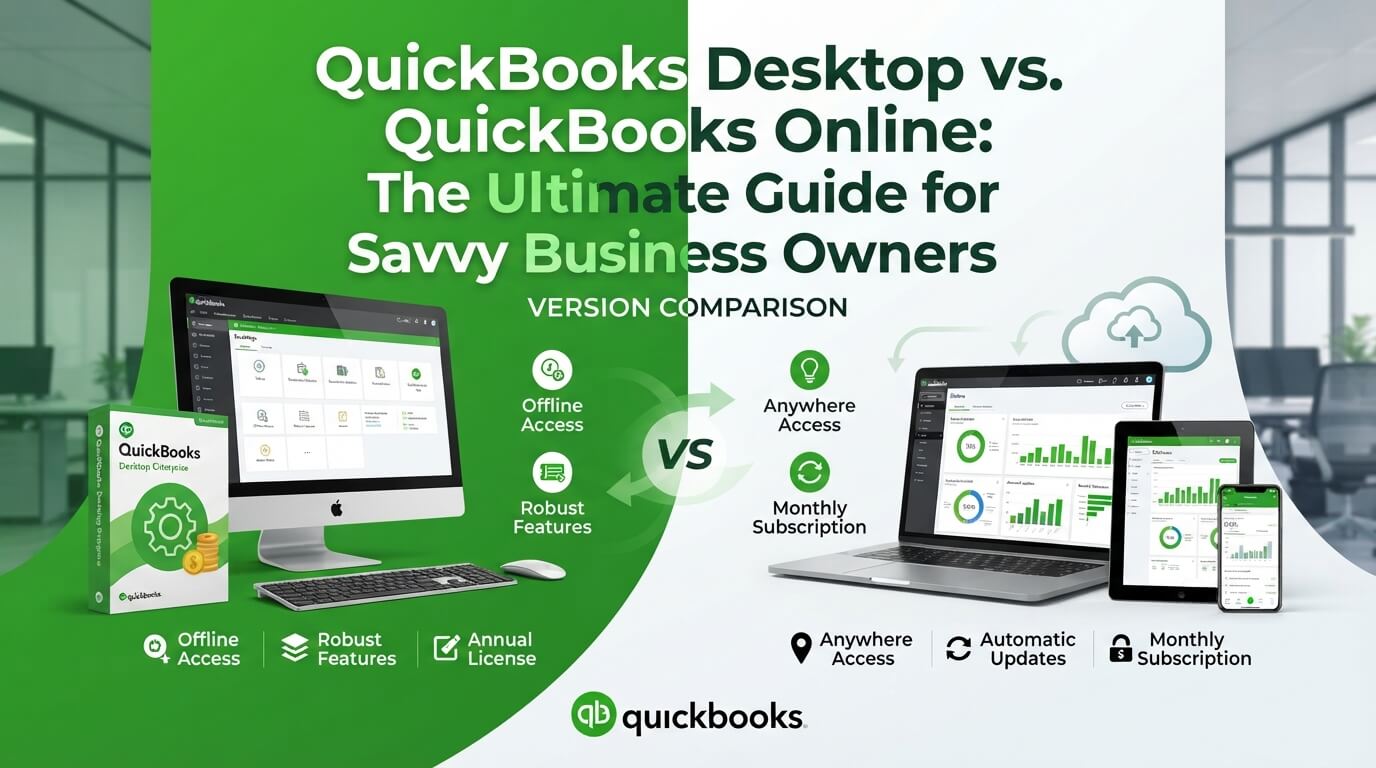
Compare local desktop workflows with browser-based accounting before moving your books.
Read guide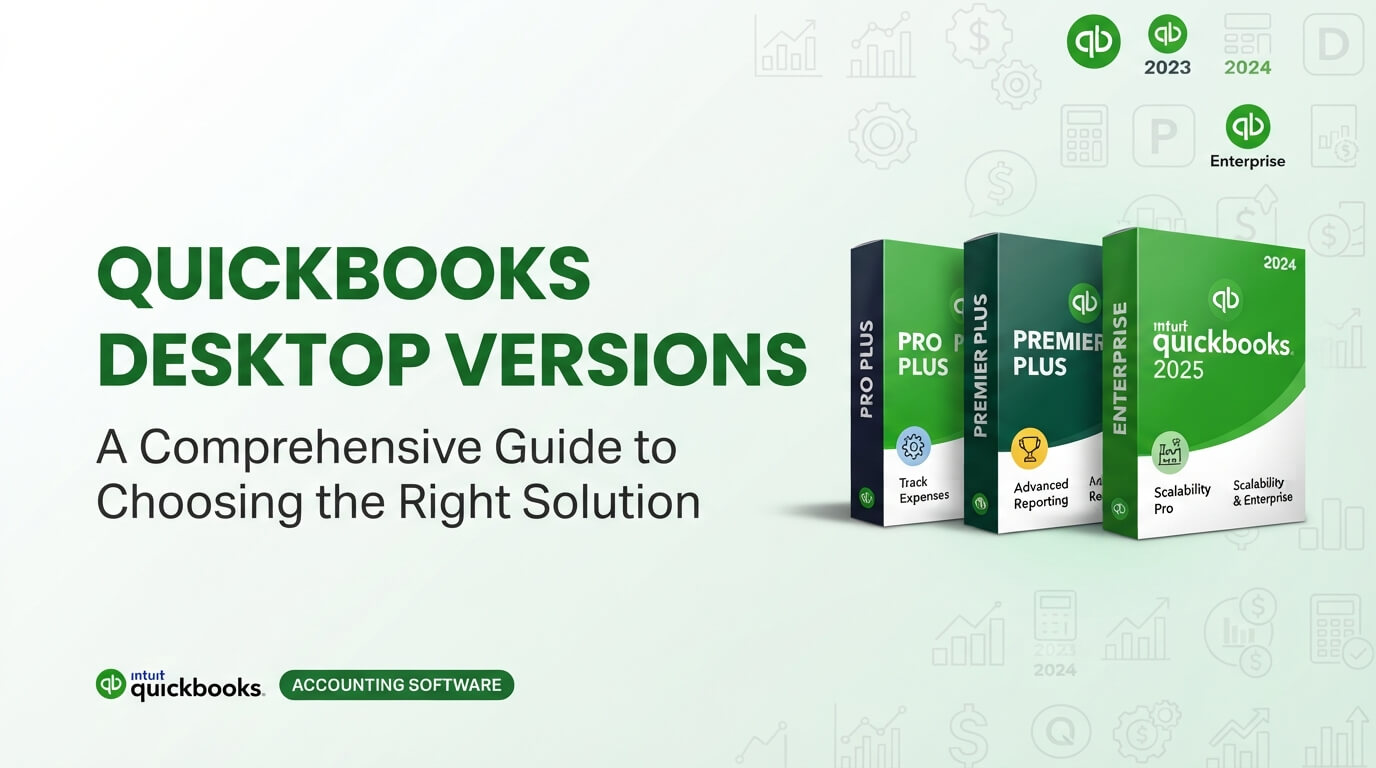
Use the edition, year, platform, region, and user count to identify the right listing.
Read guide
Prepare a Windows computer and company file before installing the US edition.
Read guideStart with your computer, team size, and daily workflow.
Read the buying guideCheck compatibility and make a verified company file backup.
Read the setup guidePlan version changes and transfers before changing your daily system.
Read the version guide